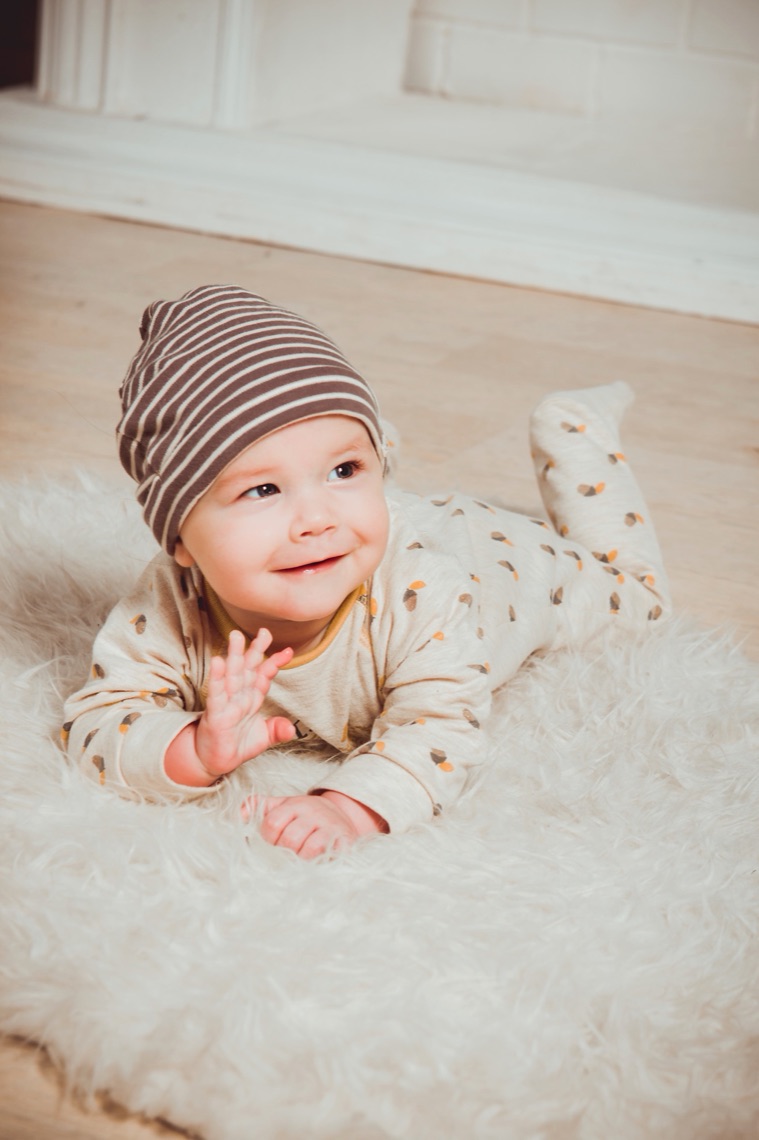
Small Hours app icon, a polaroid of a sleeping baby

Small Hours

a parent's private journal

One photo a day of your little one, shared with your partner and the grandparents. It lives in your own iCloud. No accounts. No ads. No server.

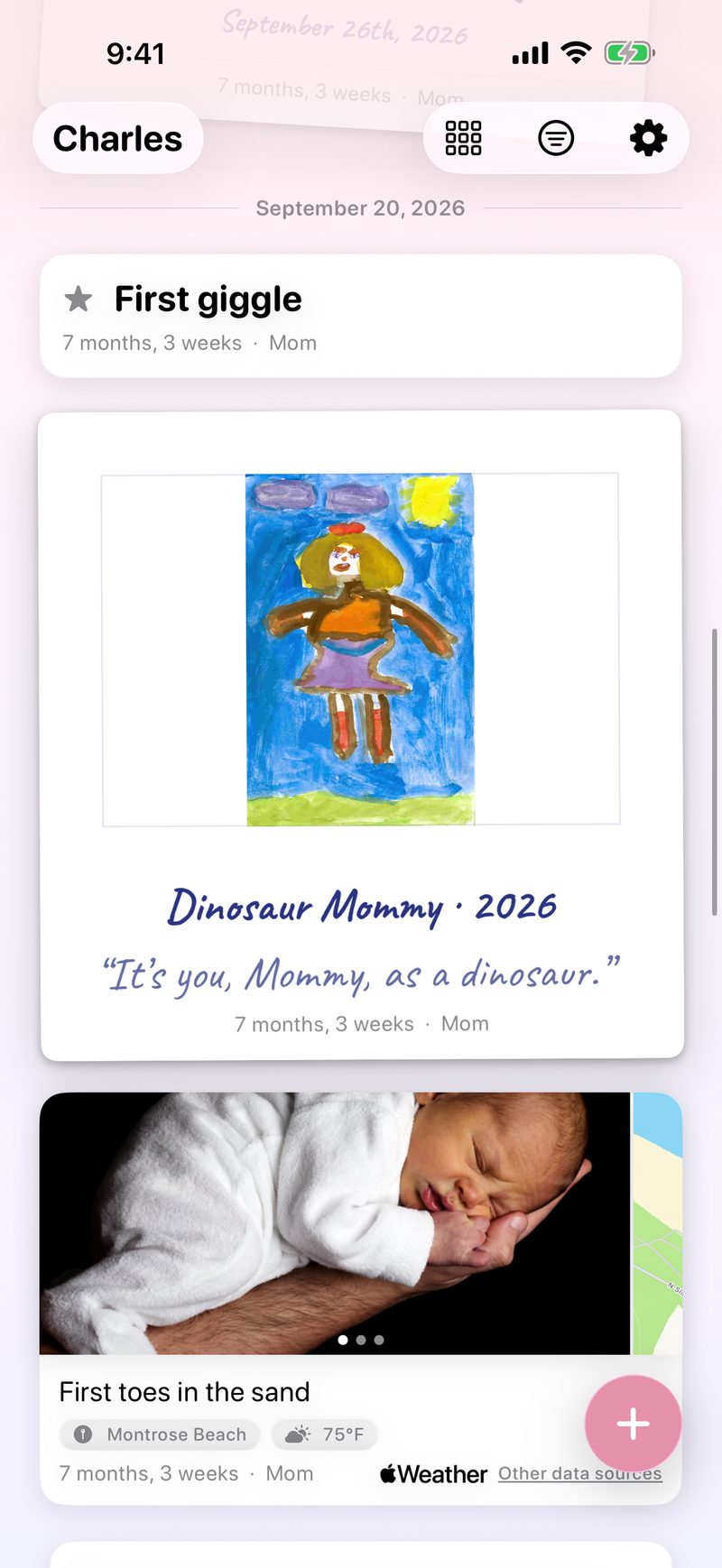
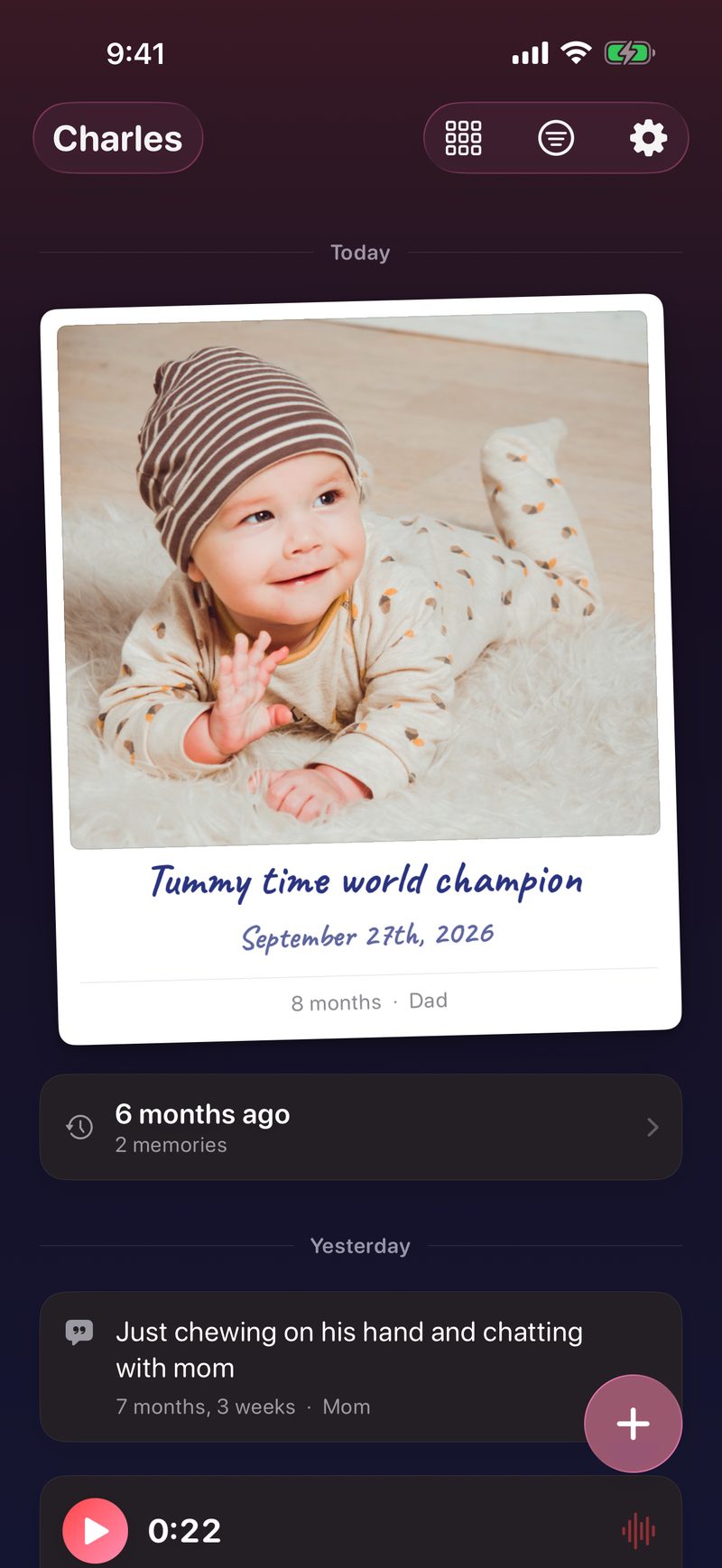
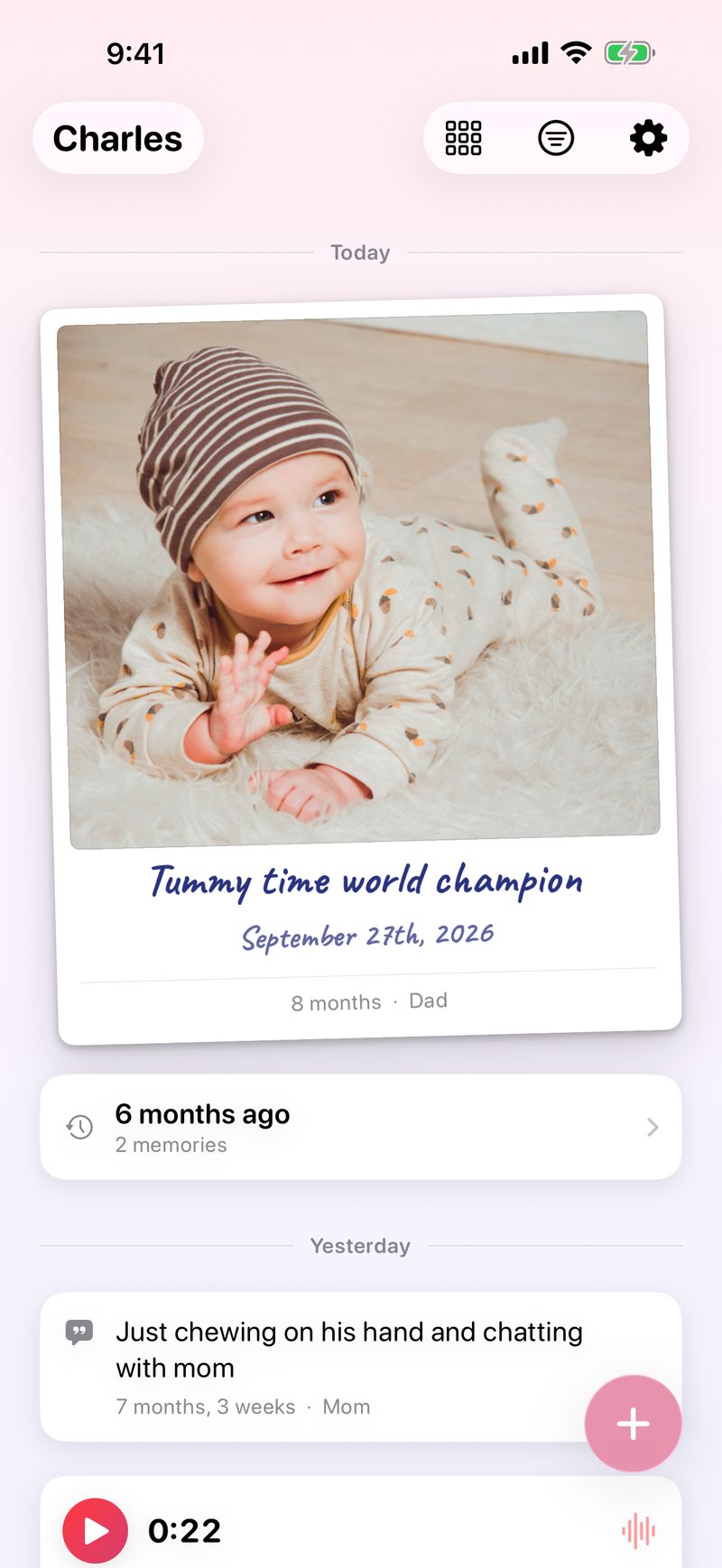
The Small Hours feed: a polaroid of today's photo with a handwritten caption, above a strip of memories

No accounts No ads No server Free with optional Plus

the ritual

One photo a day. That's the whole idea.

Each day gets one photo, so every one counts. It lands in the feed as a polaroid, captioned in your handwriting and dated with their age. Around it, add all the notes, milestones, songs, places, videos, and voice notes you like.

Every memory appears on both parents' phones, moments after it's made. The small hours are long, but the little years are short. This app helps you keep them.

A framed drawing, a tagged place with its map, and a note together in the Small Hours feed
in the box

Everything the little years deserve

All of this is free. No upsells, no locked features, no algorithm.

New: Small Hours is now on iPad

The same journal and the same iCloud, on the bigger screen. The photo grid opens out into a whole wall of the year, and the artwork gallery hangs three across. One app, one purchase, both devices.

one photo a day

The daily polaroid

One photo a day per child: a polaroid with a handwritten caption and their exact age.

Milestones with confetti

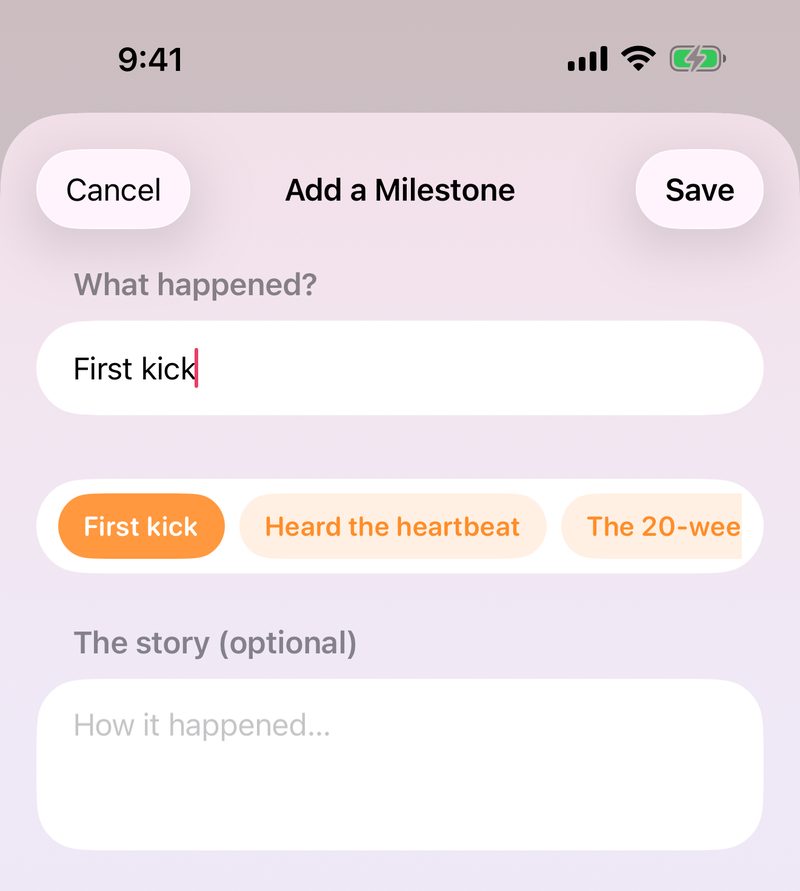
First smile, first step, first word. Stamped into the timeline and celebrated properly.

Places & songs

Tag the beach, grandma's house, or the song you danced to before nap. Maps and music, right on the memory.

Videos & voice notes

A giggle, a babble, a bedtime song. Short clips and recordings, right in the journal, and a voice note writes out what was said.

Share it beautifully

Any memory becomes a polaroid card or a little video clip, signed in ink and ready for the family chat.

Memories, every morning

This day one week, one month, one year ago: a fresh look-back at the top of the feed each day.

Month recaps

Whole months play back like little films. Export them as real videos to keep and share.

Growth log

Weight and height charted over time. Journal stats, streaks, and every day at a glance.

Every kid, one journal

Each child gets their own photo-a-day and age labels. Tag any memory to one child or all of them.

Widgets everywhere

Home Screen and Lock Screen widgets, a Control Center quick-add, and an optional daily reminder.

Add from anywhere

Send a photo straight from the share sheet. It lands on today, ready for its caption.

Search it all

Notes, places, songs, people, and the words inside a voice note: the whole journal, one search bar away.

Face ID lock

The journal can ask for Face ID every time it opens.

Light on iCloud

New photos are stored in HEIC, about a third smaller. The journal stays light on your iCloud storage.

Never locked in

Export every photo, video, note, and chart as one zip of real files, anytime.

The Fridge: a curated feed for grandparents, with photos held up by fridge magnets
for the grandparents

The Fridge

Grandparents, aunties, and godparents get their own little app: a feed where memories hang from fridge magnets. You choose which memories go up. They see only those, and all they can do is love them.

When Nana hearts a photo, it lands right back on your memory with a little burst. No accounts for them to create, either. They tap a link, and they're in.

It works both ways, too: when your sister sends her family's Fridge link, it opens right inside your own journal. Her kids show up in your feed, and both journals stay separate.

There's a Photo Frame as well. The whole Fridge, full screen, one picture at a time, changing slowly. Leave an iPad on the kitchen worktop and it turns into a frame that fills itself.

yours, and only yours

There is no Small Hours server.

Your journal lives in your own iCloud, synced by the same Apple infrastructure that carries Photos and Notes. We couldn't read your memories if we wanted to. And we don't want to.

Your iCloud

No Small Hours account exists. Your journal is tied to your Apple account, on your storage.

Encrypted

Encrypted in transit and at rest; notes end-to-end. With Advanced Data Protection, your photos too.

No tracking

No ads, no analytics, no third-party SDKs. The App Store label reads "Data Not Collected."

No lock-in

One tap exports the entire journal as ordinary files. Leaving is easy. That's the point.

the keepsakes

Plus.

Small Hours PlusPLUS

Keeping the journal is free and always will be. Plus adds the keepsakes: the things that turn two years of photos into a book you can hold and a film you can watch.

Small Hours Settings, with the Plus row sitting under Your Name: a gradient tile, the name, and “Free for your first week”

The Year Book

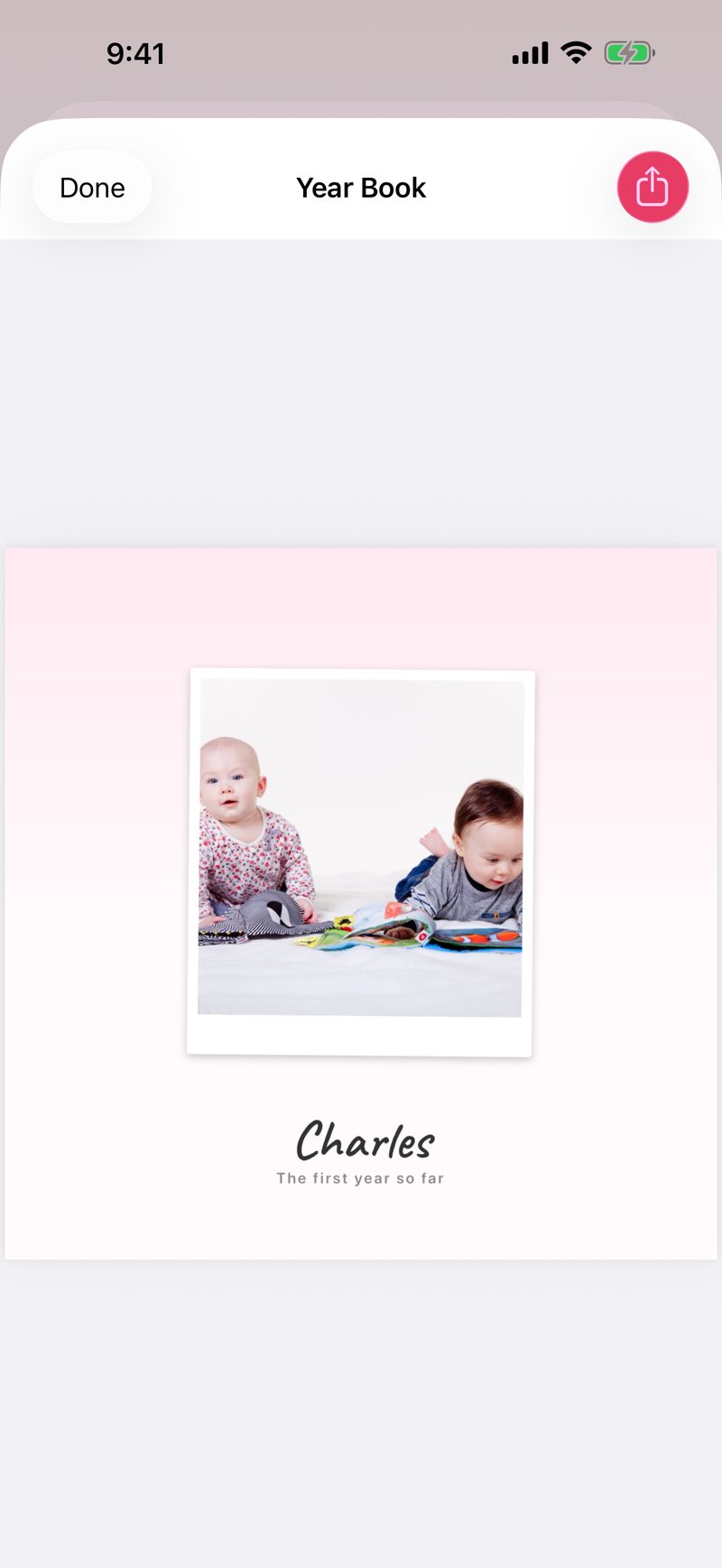
A whole year typeset as a real book: polaroid pages, handwritten captions, a cover with their name. Print it at home or have it bound.

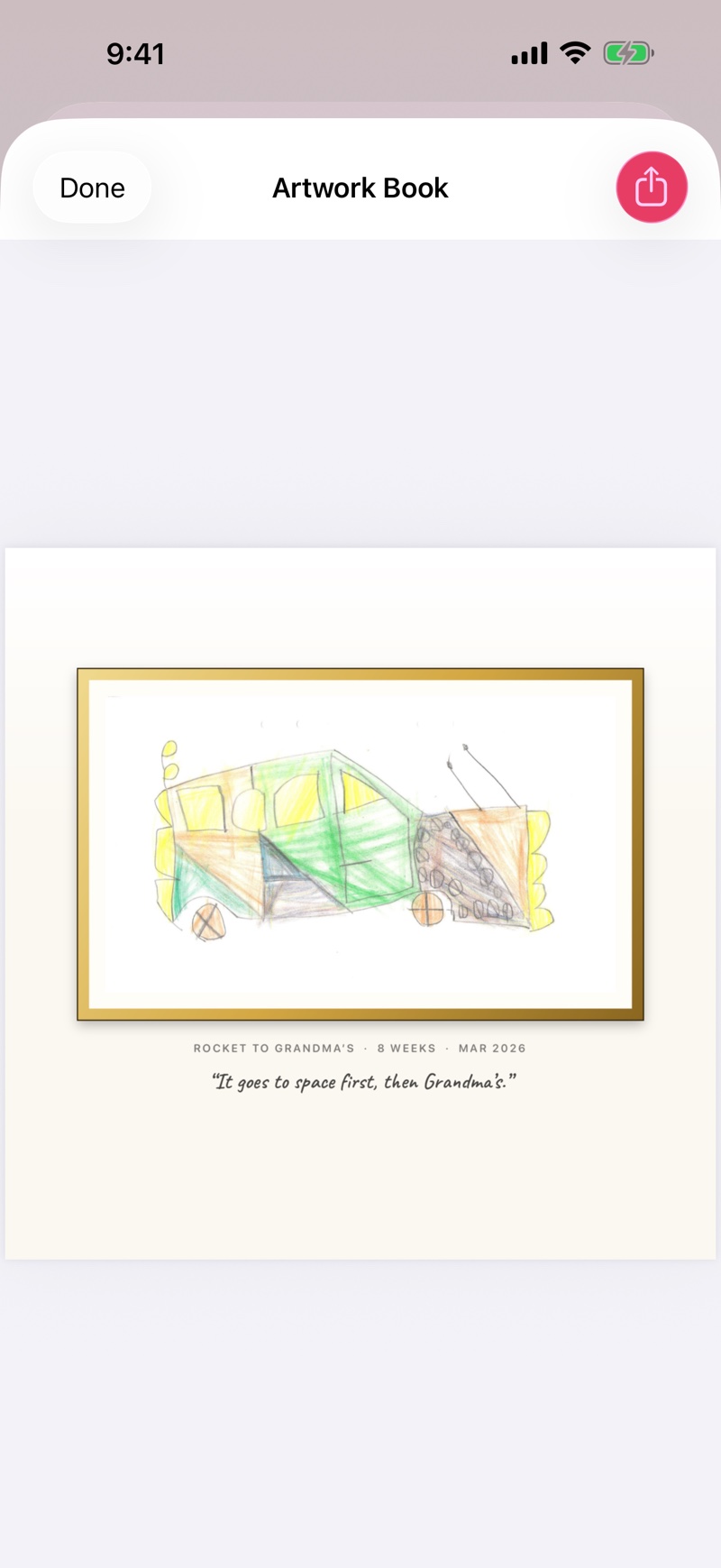
The Artwork Book

Every drawing they brought home, bound into a real book. Each one framed under the title they gave it.

Year in Review

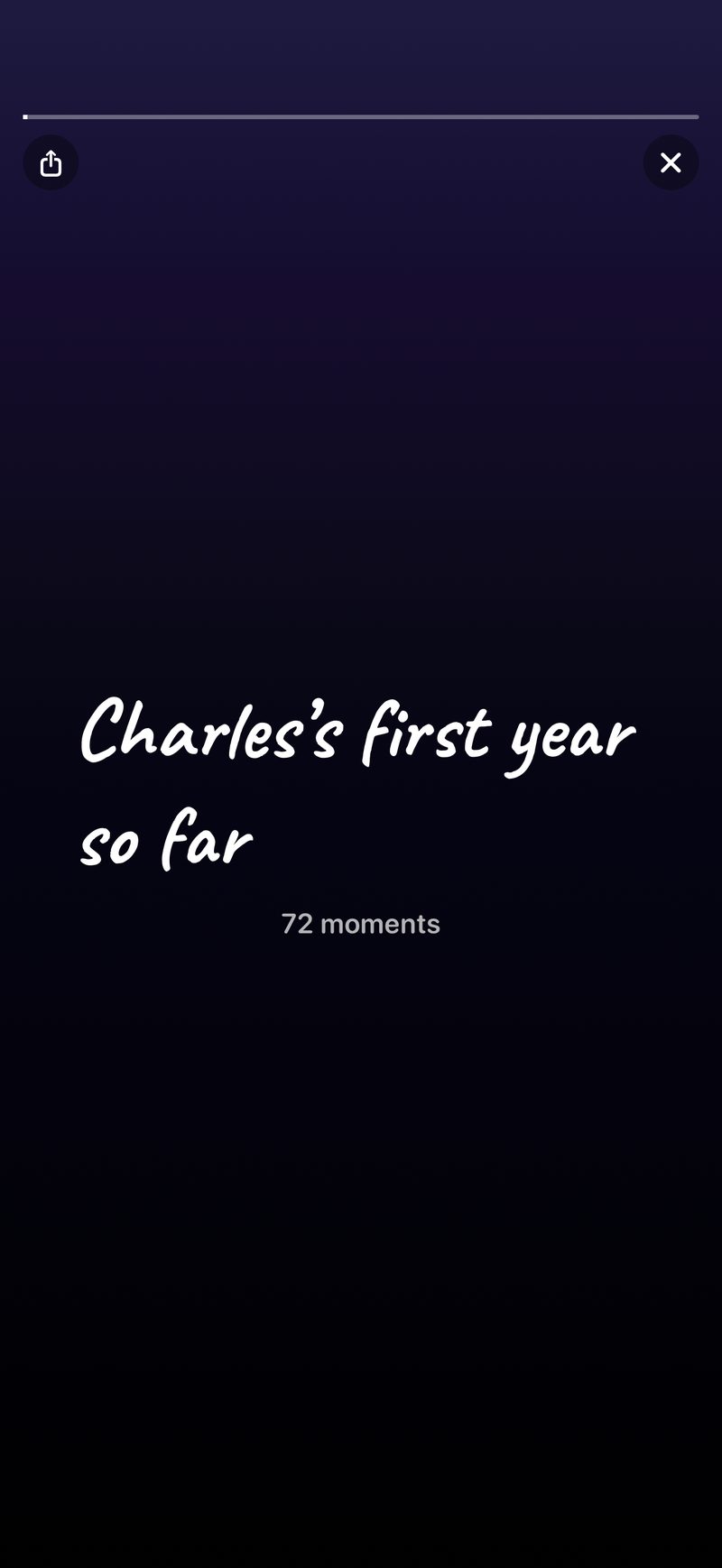
The year's most-loved moments as a little film with chapters. Twelve months in one sitting.

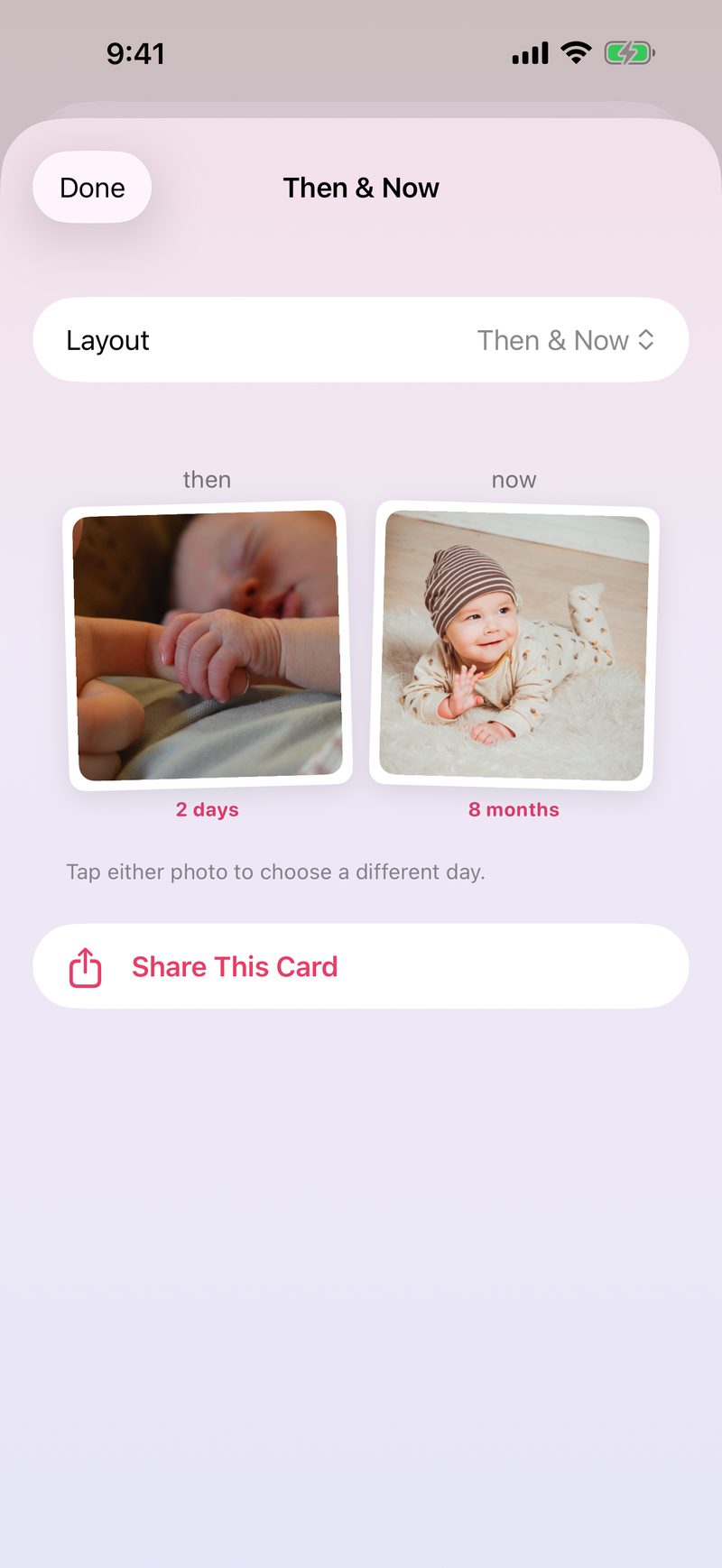
Then & Now

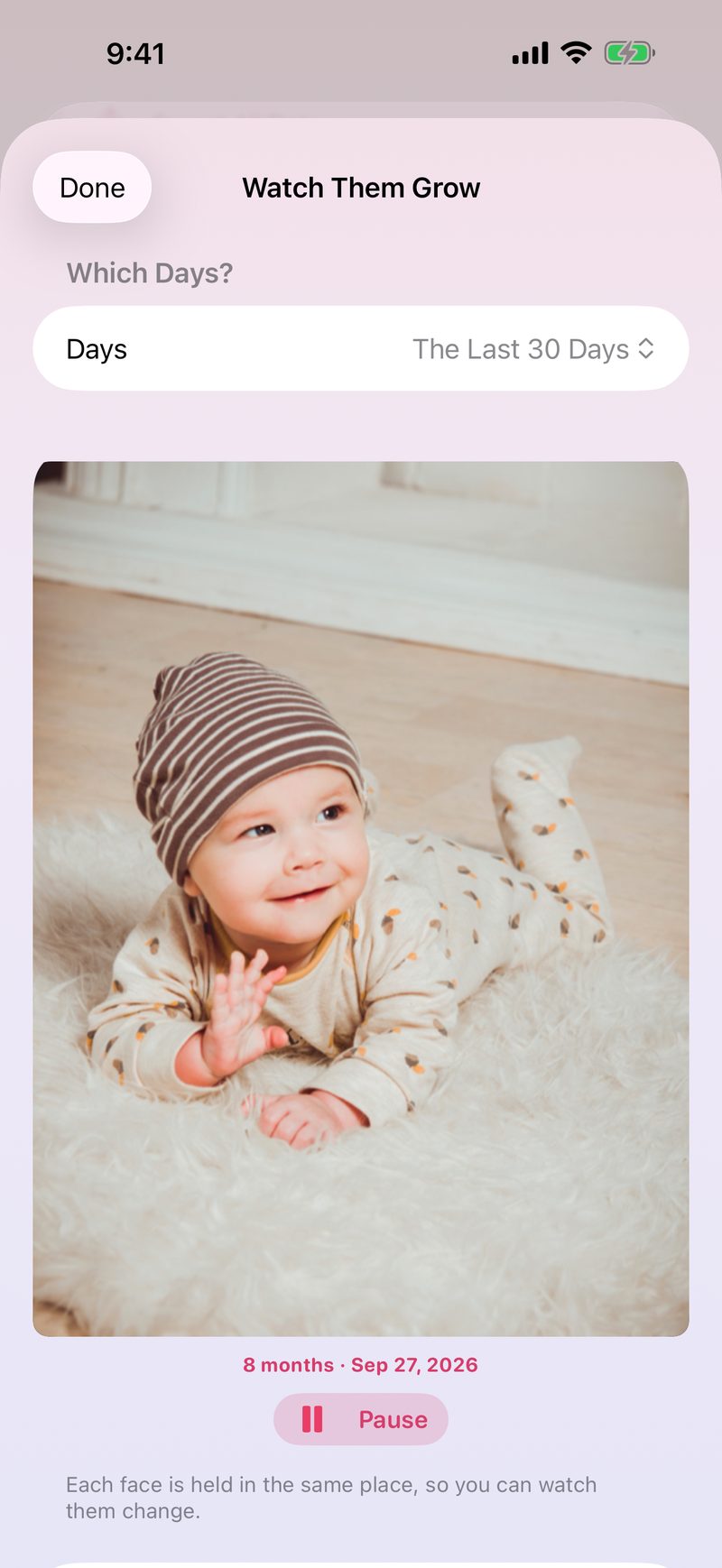
The same little face months apart, side by side.

Themes

New looks for the whole journal, from the paper to the handwriting.

Growth curves

Their measurements drawn on the real WHO percentile curves between checkups.

Everything else stays free

Photos, videos, notes, milestones, places, songs, scanning their artwork, the Fridge, sharing, export. Plus only ever adds.

The feed in the Classic theme: white paper, sharpie-blue handwriting
classic
The feed in the Golden Hour theme: warm cream paper, brown handwriting
golden hour
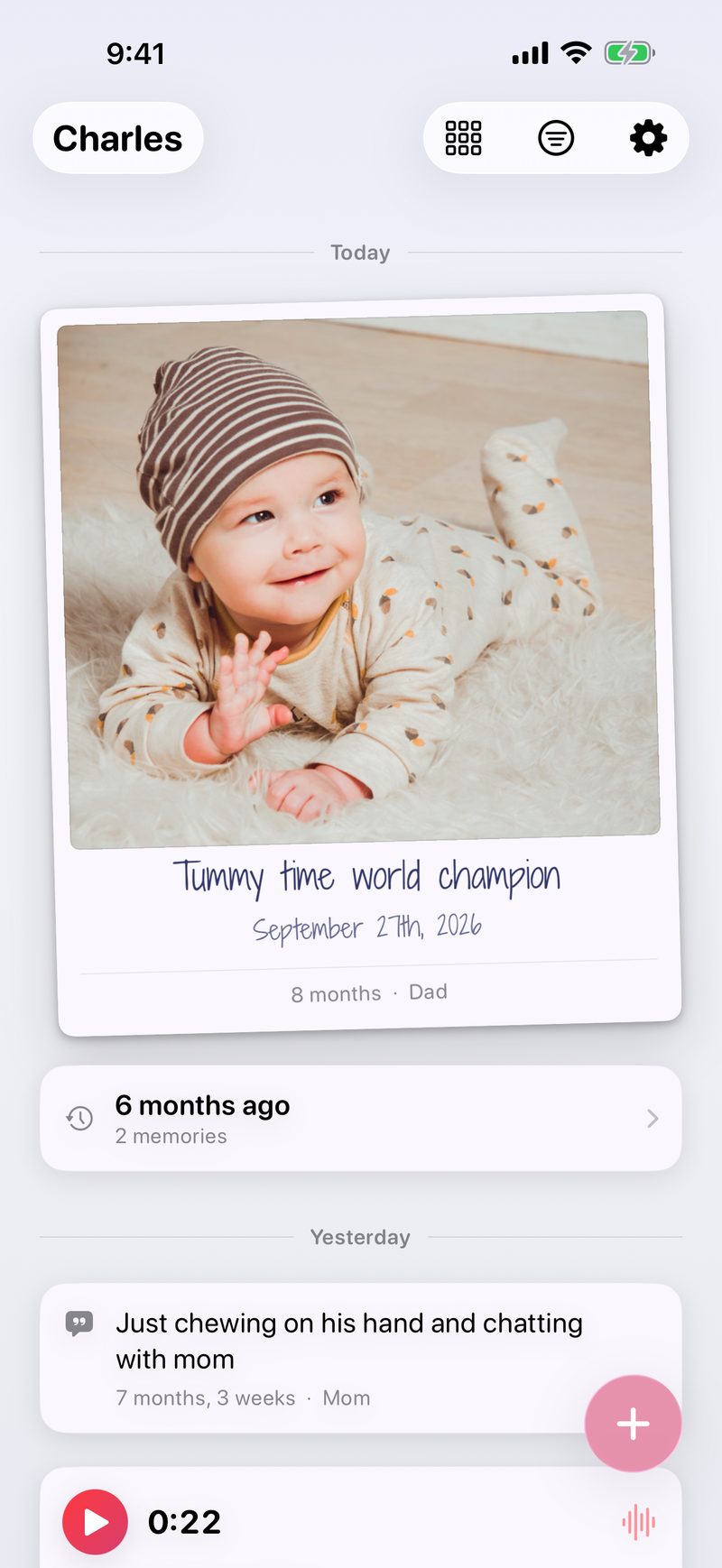
The feed in the 3 AM theme: lavender paper, indigo handwriting
3 AM

Plus, forever

$34.99
once for the whole childhood
  • Everything in Plus
  • Every future Plus feature
  • No renewals, ever
  • Family Sharing included

One purchase covers the whole family through Family Sharing, so two parents never pay twice. Grandparents and viewers never see a price at all. Only the person keeping the journal is ever asked.

good questions

FAQ

How much does it cost?

The journal is free: photos, videos, notes, milestones, places, songs, voice notes, scanning their artwork, the Fridge, sharing with your partner and the grandparents, search, and export. None of it is capped or will ever move behind a paywall.

Small Hours Plus ($12.99/year with a free first week, or $34.99 once) adds the keepsakes on top: the Year Book, the Artwork Book, Year in Review, Then & Now, themes, and growth curves. Only the person keeping the journal is ever asked. Viewers and grandparents never see a price. There's also a tip jar in Settings, which unlocks nothing and never will.

Where do my photos actually live?

In your own iCloud account, in a private database only your devices can read. There is no Small Hours server and no account to create. We never see your memories, and they count against your iCloud storage just like Photos or Notes. New photos are stored as HEIC, about a third smaller than typical JPEGs, so even a full year doesn't take much space.

How does sharing with my partner work?

You send one link. When your partner taps it, the whole journal appears on their phone. From then on every memory lands on both phones: posts, edits, hearts, everything.

What do grandparents see?

Only what you put on the Fridge. It's a separate, curated feed. They tap an invite link, see the memories you chose, and can heart them. They can't post, edit, or see anything else.

What devices does it need?

Small Hours runs on iPhone and iPad, on iOS 26 or later. It's one app and one journal: buy nothing twice, and everything you write on one shows up on the other. It needs an iCloud account, since that's where your journal lives. Fridge viewers need the same.

Can I get my data out?

Always. Settings → Export All Data produces one zip with every photo, video, note, location, song, voice note, and the growth log as ordinary files.

the little years are short

Start today's photo

Free for iPhone on iOS 26. There's no account to make, so the first photo is about ninety seconds away.